XL330-M288-T 是一款紧凑型智能伺服电机,适用于机器人关节和精密控制。核心特点高扭矩输出:堵转扭矩最高达 0.6 N·m(6 V),齿轮比为 288.4:1,适合高负载场景。轻量化设计:重量仅 18 g,尺寸为 20 × 34 × 26 mm,适合空间受限的应用。多种控制模式:支持位置、速度、电流和 PWM 控制,并支持扩展位置控制模式,范围可达 ±256 圈。高精度传感:配备 12 位无接触式绝对编码器,分辨率为 4096 脉冲/转。通信灵活:采用 TTL 串口通...
智能佳—Gello-UR机械臂遥操作—操作引导视频/* 仅针对本页面的局部样式,不影响全局 */
.product-video-container {
max-width: 100%;
margin: 20px 0;
background: #fff;
border-radius: 4px;
overflow: hidden;...
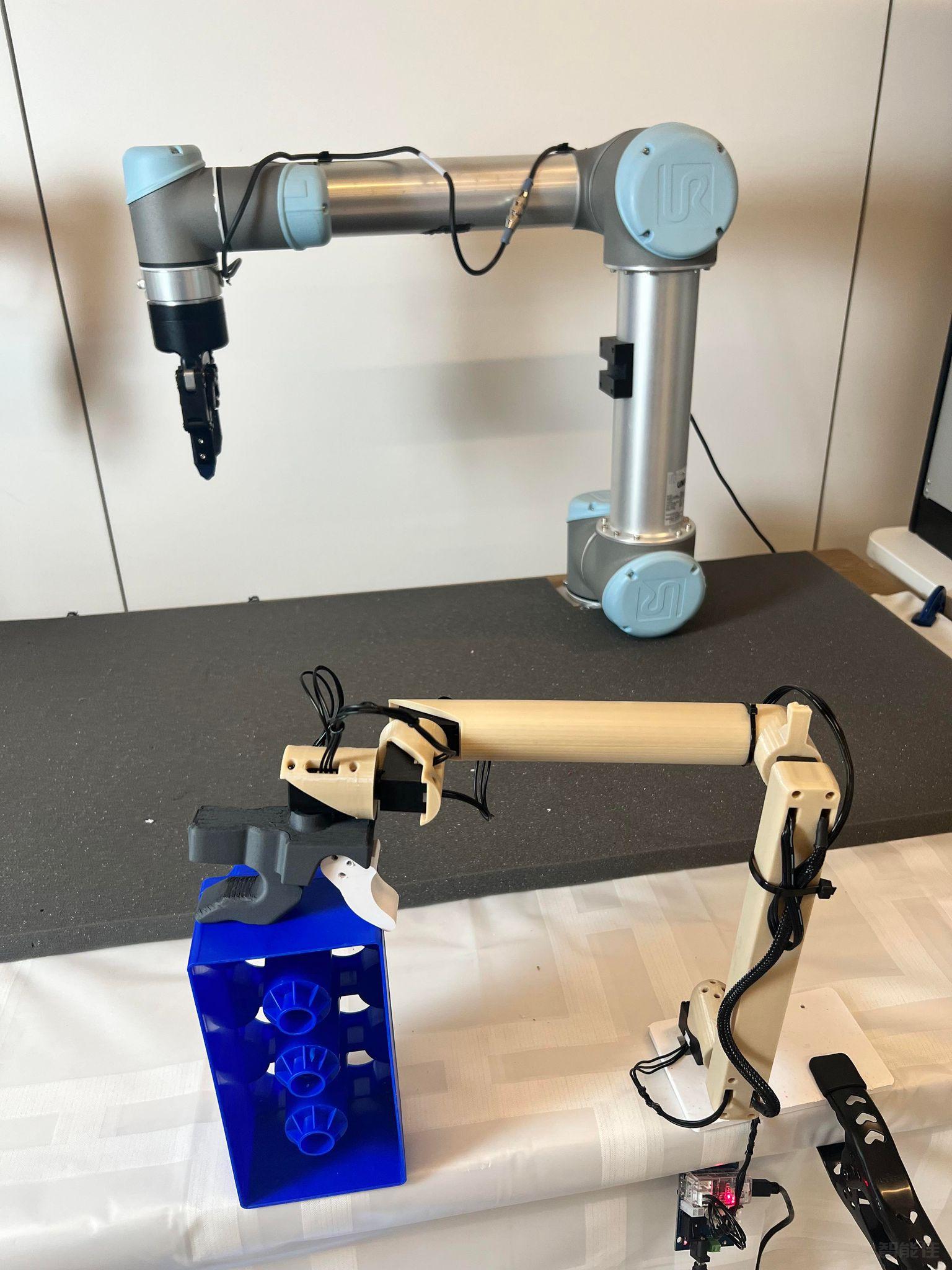
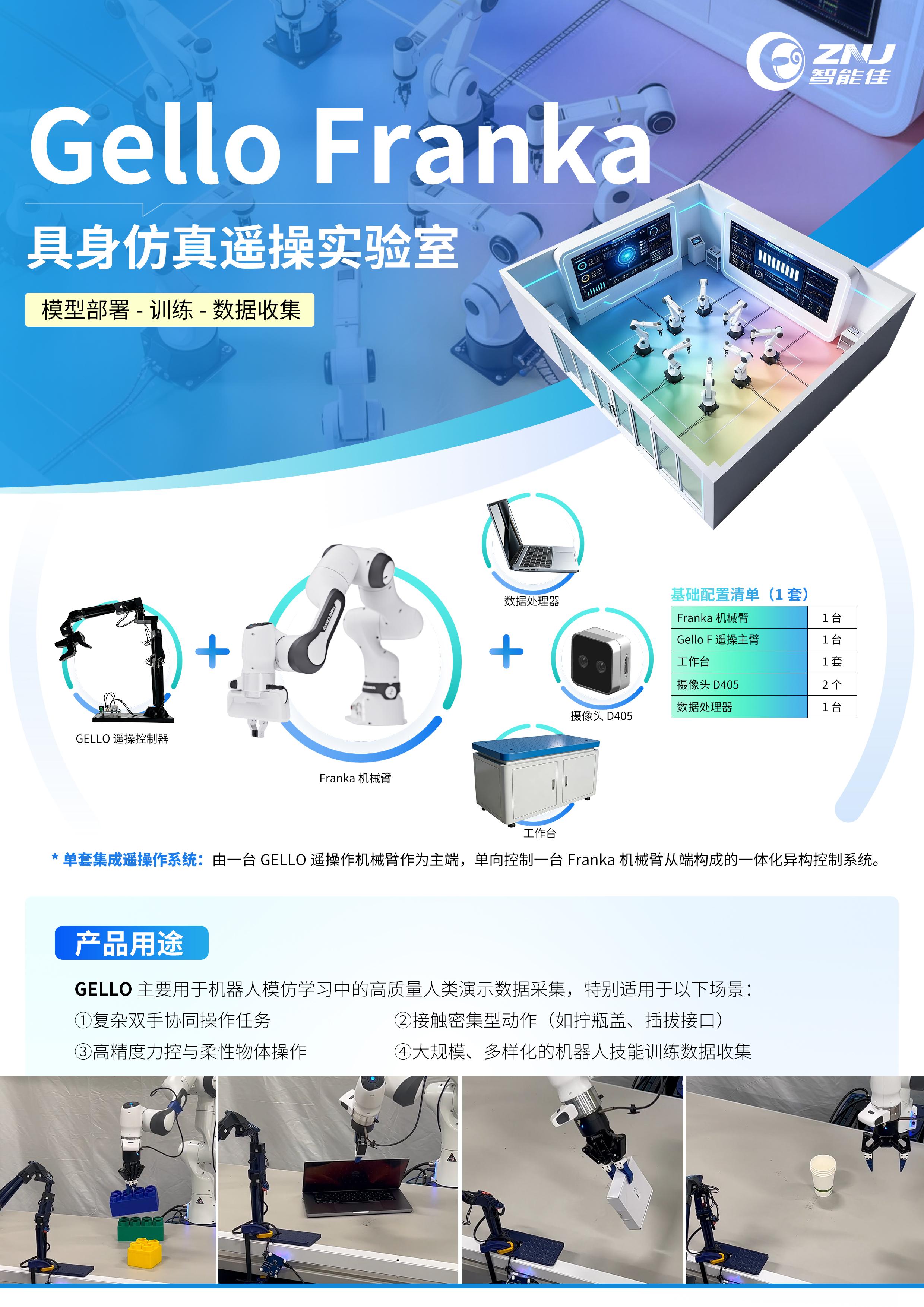
点击跳转项目地址:https://wuphilipp.github.io/gello_site/代码地址:https://github.com/wuphilipp/gello_software...
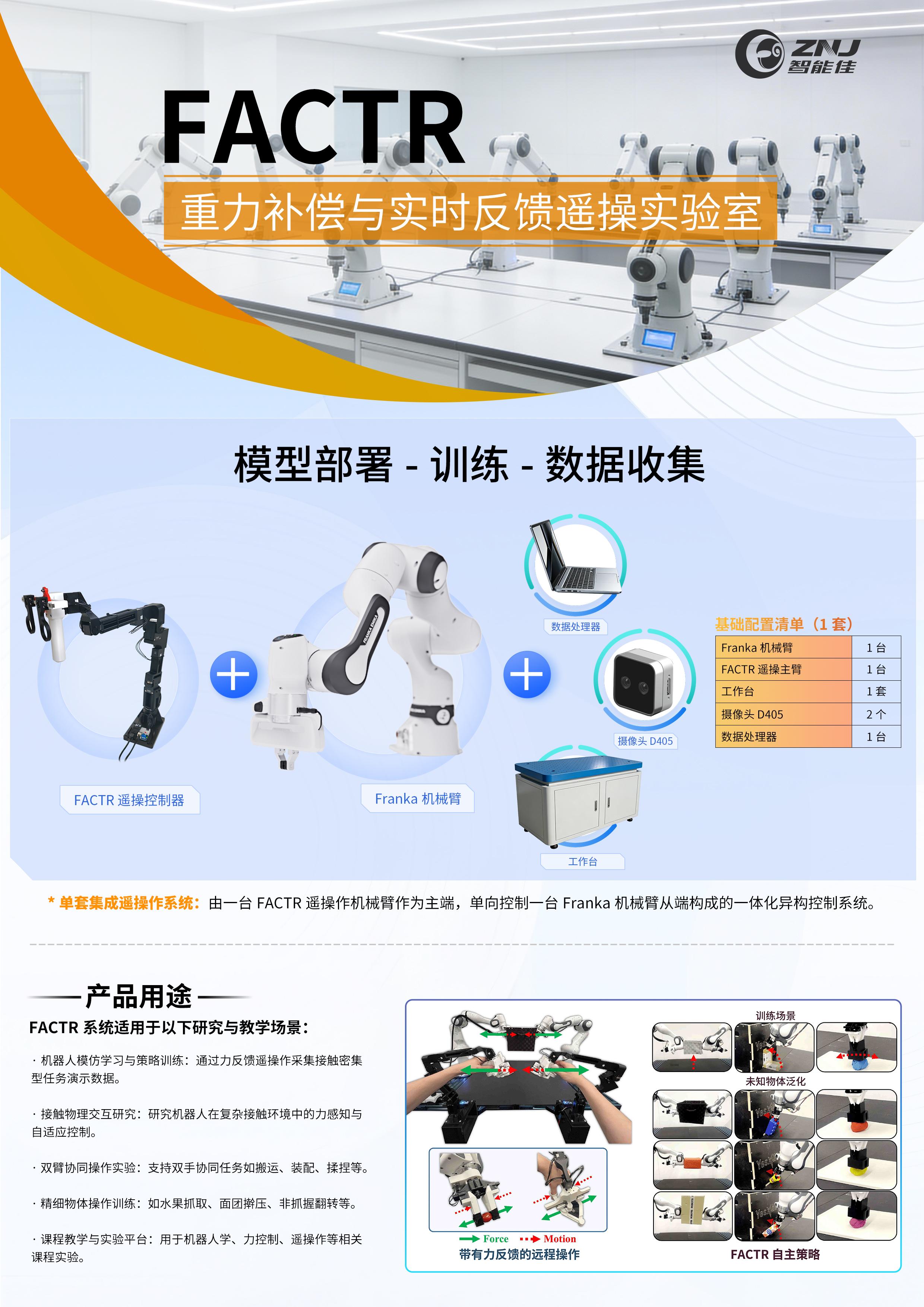
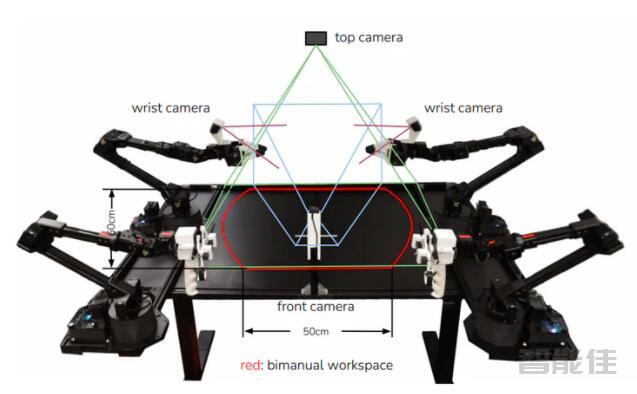
采购点击跳转:项目网站:https://jasonjzliu.com/factr/代码开源地址:https://github.com/JasonJZLiu/FACTR_Teleop...
Microduck原装热门舵机XL330-M288-T介绍 咨询采购手搓microduck保姆级完整教程!一步一步带你从零开始做鸭,小白也能复刻! document.getElementById("spkj").style.height=document.getElementById("spkj").scrollWidth*0.76+"px";Microduck官方网站AI-FanGe复刻教程fanhao375复刻教程JoyandAI复刻教程关于仿真...
sudo apt install curlcurl 'https://raw.githubusercontent.com/Interbotix/interbotix_ros_manipulators/main/interbotix_ros_xsarms/install/amd64/xsarm_amd64_install.sh' > xsarm_amd64_install.shchmod +x xsarm_amd64_install.sh ./xsarm_...
下载功能包cd ~/interbotix_ws/srcgit clone http://mirror.ghproxy.com/https://github.com/tonyzhaozh/aloha.gitcd ~/interbotix_wscatkin_make...
下载ACT功能包cd ~/interbotix_ws/srcgit clone http://mirror.ghproxy.com/https://github.com/tonyzhaozh/act.gitcd ~/interbotix_wscatkin_make...
pip install安装系列pip install h5py -i https://pypi.tuna.tsinghua.edu.cn/simplepip install torch -i https://pypi.tuna.tsinghua.edu.cn/simplepip install Ipython -i https://pypi.tuna.tsinghua.edu.cn/simplepip install dm_control&nbs...
输入如下指令:conda deactivateroslaunch aloha 4arms_teleop.launch重新打开一个终端# Right hand terminal右手终端conda activate alohacd ~/interbotix_ws/src/aloha/aloha_scriptspython3 one_side_teleop.py right重新打开一个终端# Left hand terminal左手终端conda activate alohacd...
要设置新终端,请运行:conda activate alohacd ~/interbotix_ws/src/aloha/aloha_scripts我们one_side_teleop.py跑的是测试远程操作,没有数据收集。要收集某一集的数据,请运行:python3 record_episodes.py --task_name <your task_name> --episode_idx 0例如:python3 record_episodes.py --task_na...