
XL330-M288-T 是一款紧凑型智能伺服电机,适用于机器人关节和精密控制。核心特点高扭矩输出:堵转扭矩最高达 0.6 N·m(6 V),齿轮比为 288.4:1,适合高负载场景。轻量化设计:重量仅 18 g,尺寸为 20 × 34 × 26 mm,适合空间受限的应用。多种控制模式:支持位置、速度、电流和 PWM 控制,并支持扩展位置控制模式,范围可达 ±256 圈。高精度传感:配备 12 位无接触式绝对编码器,分辨率为 4096 脉冲/转。通信灵活:采用 TTL 串口通...
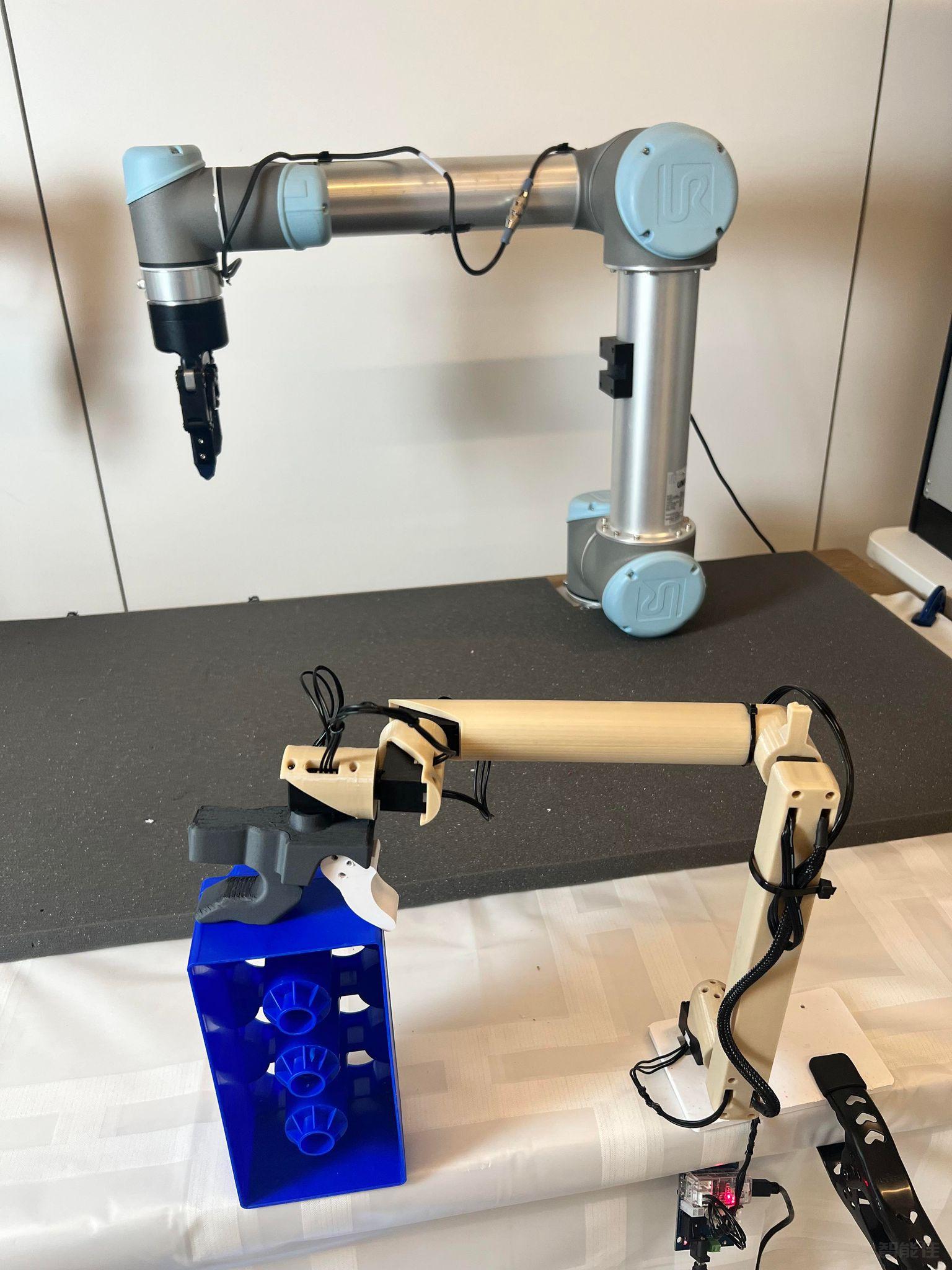
智能佳—Gello-UR机械臂遥操作—操作引导视频/* 仅针对本页面的局部样式,不影响全局 */
.product-video-container {
max-width: 100%;
margin: 20px 0;
background: #fff;
border-radius: 4px;
overflow: hidden;...

点击跳转项目地址:https://wuphilipp.github.io/gello_site/代码地址:https://github.com/wuphilipp/gello_software...
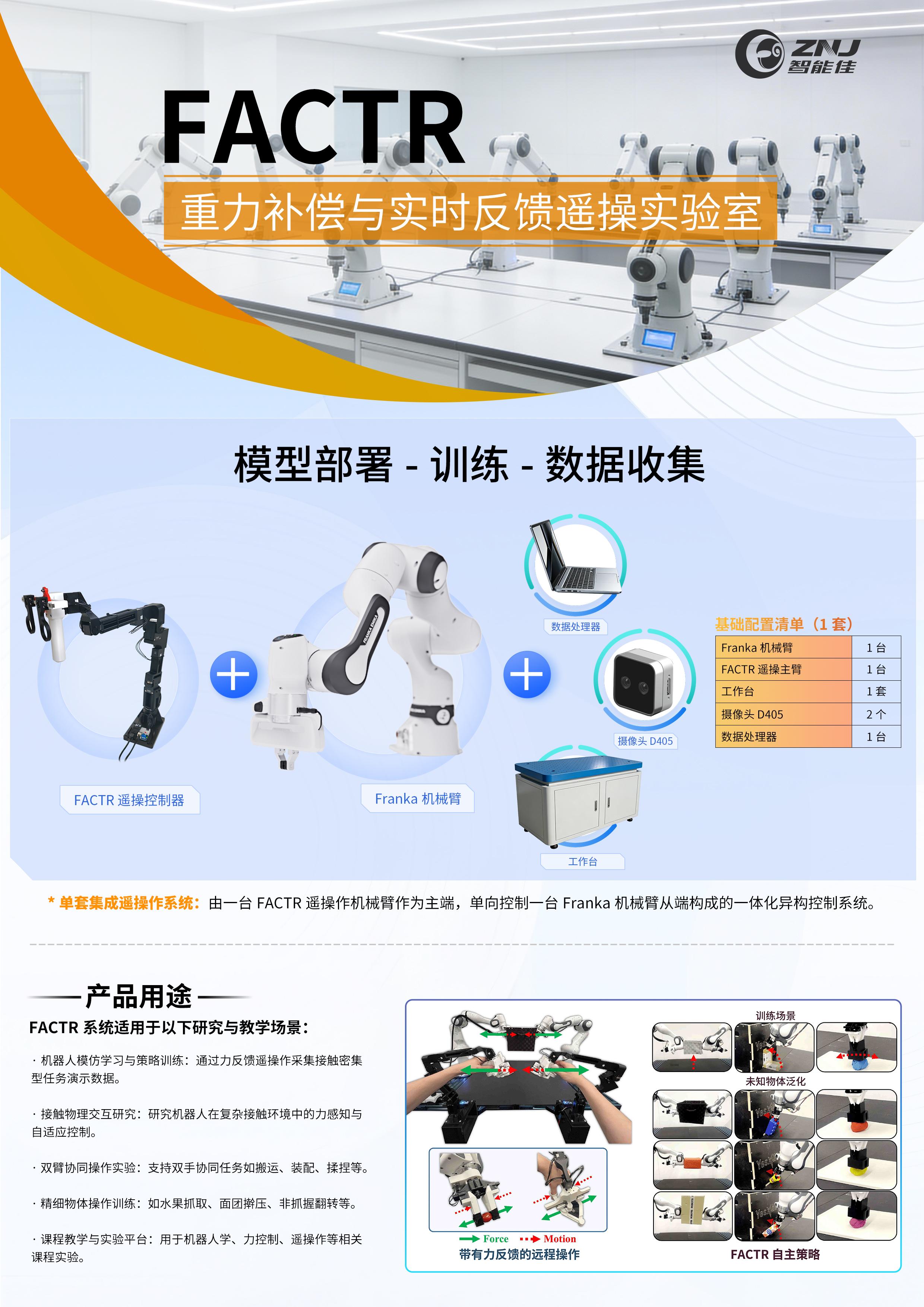
采购点击跳转:项目网站:https://jasonjzliu.com/factr/代码开源地址:https://github.com/JasonJZLiu/FACTR_Teleop...

Microduck原装热门舵机XL330-M288-T介绍 咨询采购手搓microduck保姆级完整教程!一步一步带你从零开始做鸭,小白也能复刻! document.getElementById("spkj").style.height=document.getElementById("spkj").scrollWidth*0.76+"px";Microduck官方网站AI-FanGe复刻教程fanhao375复刻教程JoyandAI复刻教程关于仿真...
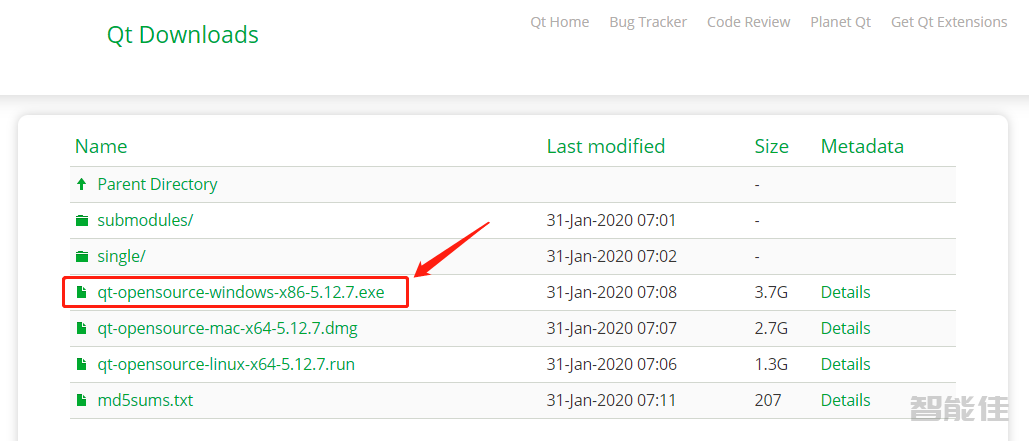
软件下载网址链接:注意:下面以5.12.7为例进行下载,其他版本步骤也差不多,如果已经下载好了,或者存放在随发的U盘中,则忽略下载操作,直接进行安装即可。https://download.qt.io/archive/qt/5.12/5.12.7/打开链接后鼠标单击选择红色框内链接下载:qt-opensource-windows-x86-5.12.7.exe具体安装步骤双击下载好的安装程序qt-opensource-windows-x86-5.12.7.exe;弹出如图所示安装...
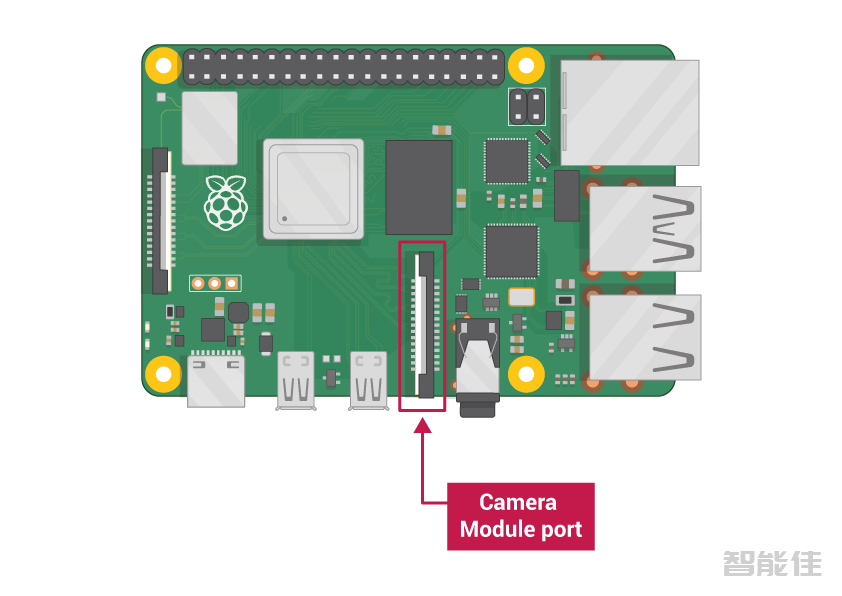
注意:树莓派4B不再支持ROS Kinetic(Ubuntu16.04)Jetson Nano不再支持ROS Kinetic(Ubuntu16.04)echo "export ROS_MASTER_URI=http://192.168.11.110:11311" >> ~/.bashrcecho "export ROS_HOSTNAME=192.168.11.101" >> ~/.bashrc查看Master I...
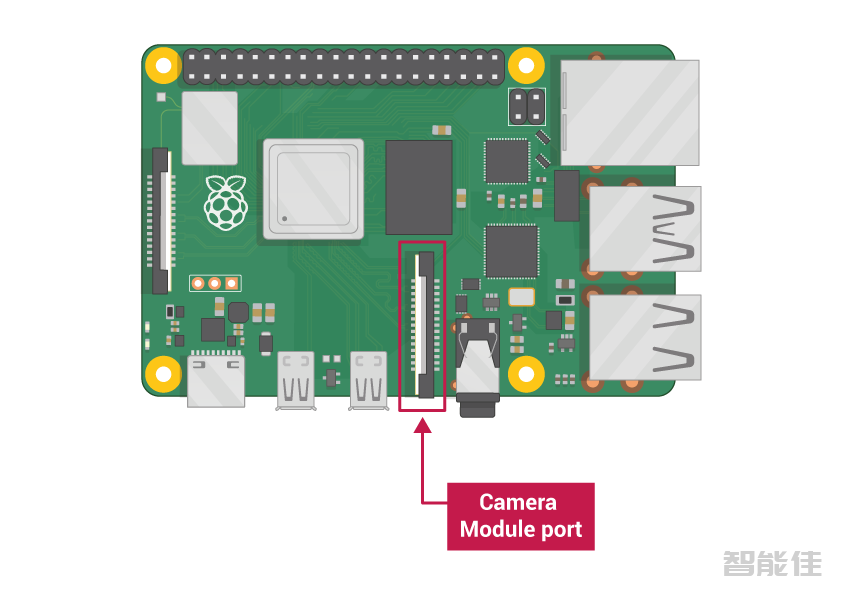
对于Ubuntu22.04 Humblegit clone -b humble https://ghfast.top/https://github.com/ROBOTIS-GIT/DynamixelSDK.gitgit clone -b humble https://ghfast.top/https://github.com/ROBOTIS-GIT/turtlebot3_msgs.gitgit clone -b humble https://ghfast.top/https:...
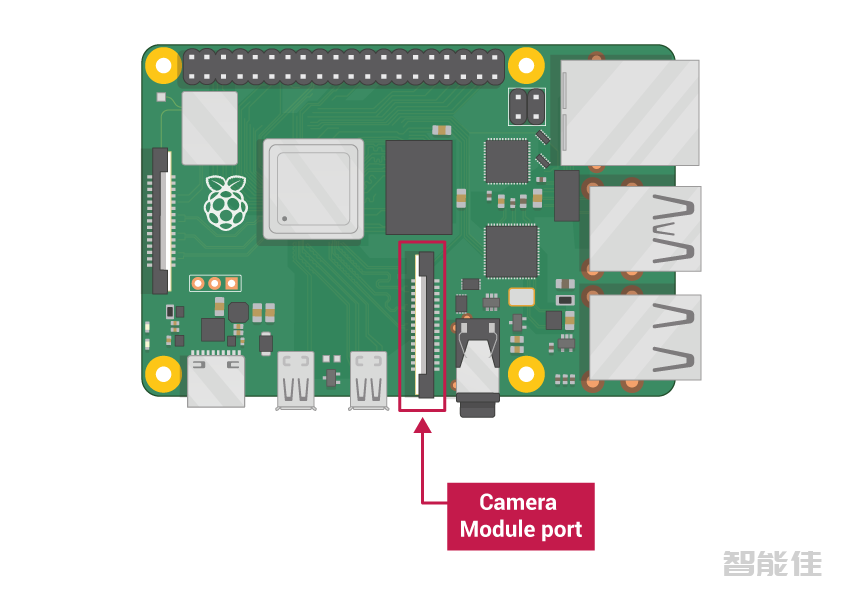
安装依赖(Kinetic)sudo apt-get install ros-kinetic-joy ros-kinetic-teleop-twist-joy ros-kinetic-teleop-twist-keyboard ros-kinetic-laser-proc ros-kinetic-rgbd-launch ros-kinetic-depthimage-to-laserscan ros-kinetic-rosserial-arduino ros-kinetic-ro...
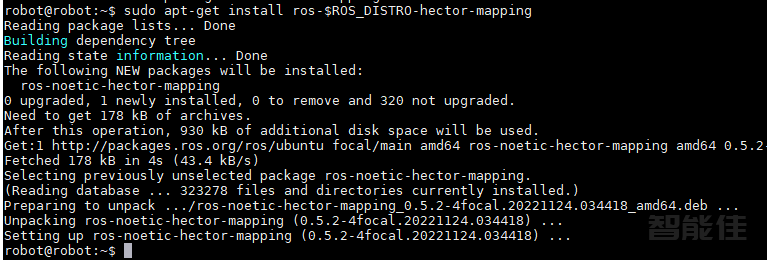
在PC上安装Hector依赖包。sudo apt-get install ros-$ROS_DISTRO-hector-mapping -y启动Hector SLAM节点。roslaunch turtlebot3_slam turtlebot3_slam.launch slam_methods:=hector...
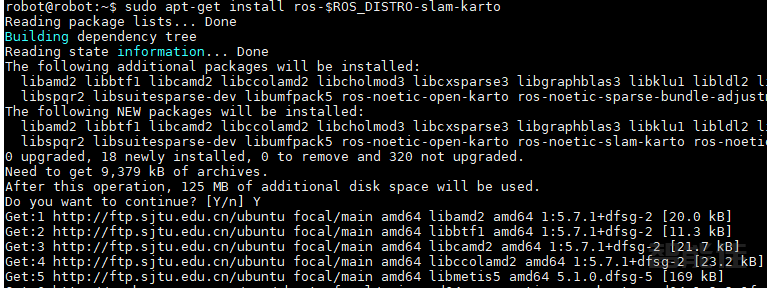
在PC上安装依赖包。sudo apt-get install ros-$ROS_DISTRO-slam-karto -y启动Karto SLAM节点。roslaunch turtlebot3_slam turtlebot3_slam.launch slam_methods:=karto...

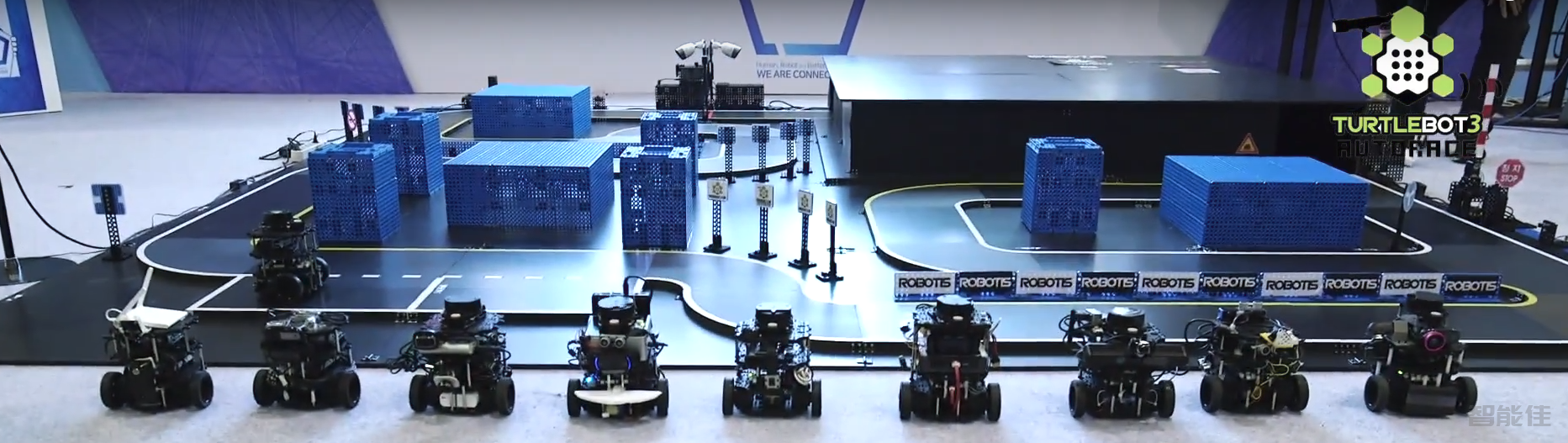
说明Autorace 包主要是Ubuntu 20.04在ROS1 Noetic Ninjemys.Autorace 包主要在 Gazebo 模拟下进行测试。操作步骤【主机PC】安装turtlebot3_autorace包cd ~/catkin_ws/src/git clone -b noetic-devel http://ghproxy.com/https://github.com/ROBOTIS-GIT/turtlebot3_autorace_2020.gitcd ~/ca...

【SBC】真实机器人准备:cd ~/catkin_ws/src/git clone -b feature-raspicam https://github.com/ROBOTIS-GIT/turtlebot3_autorace_2020.gitcd ~/catkin_ws && catkin_make【SBC】创建交换文件以防止构建 OpenCV 时内存不足。 sudo fallocate -l 4G /swapfile &nbs...
cd ~ wget -O opencv.zip https://github.com/opencv/opencv/archive/4.5.0.zip wget -O opencv_contrib.zip https://github.com/opencv/opencv_contrib/archive/4.5.0.zip unzip opencv.zip unzip opencv...
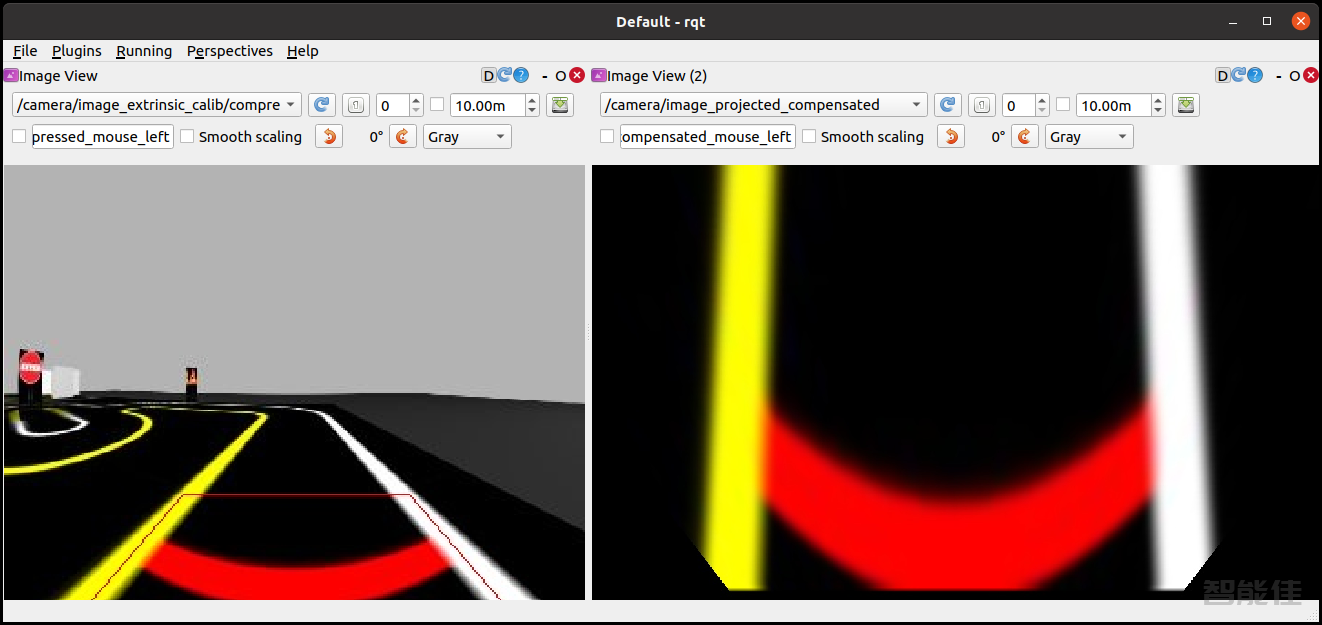
打开一个新终端Remote PC并启动 Gazebo。roslaunch turtlebot3_gazebo turtlebot3_autorace_2020.launch打开一个新终端并启动内部相机校准节点。roslaunch turtlebot3_autorace_camera intrinsic_camera_calibration.launch打开一个新终端并启动外部相机校准节点。roslaunch turtlebot3_autorace_camera extrins...