斯坦福Mobile Aloha使用教程-8.启动底盘以及里程计
前提:
安装CAN,检查CAN总线是否连接正常,HUB是否开启
旋开底盘旋钮,并软件输入以下内容,使能CAN总线
cd /home/robot/interbotix_ws/src/mobile-aloha/aloha_scripts
./enable_can.sh

启动底盘(底盘版本里程计)
roslaunch tracer_bringup tracer_robot_base.launch
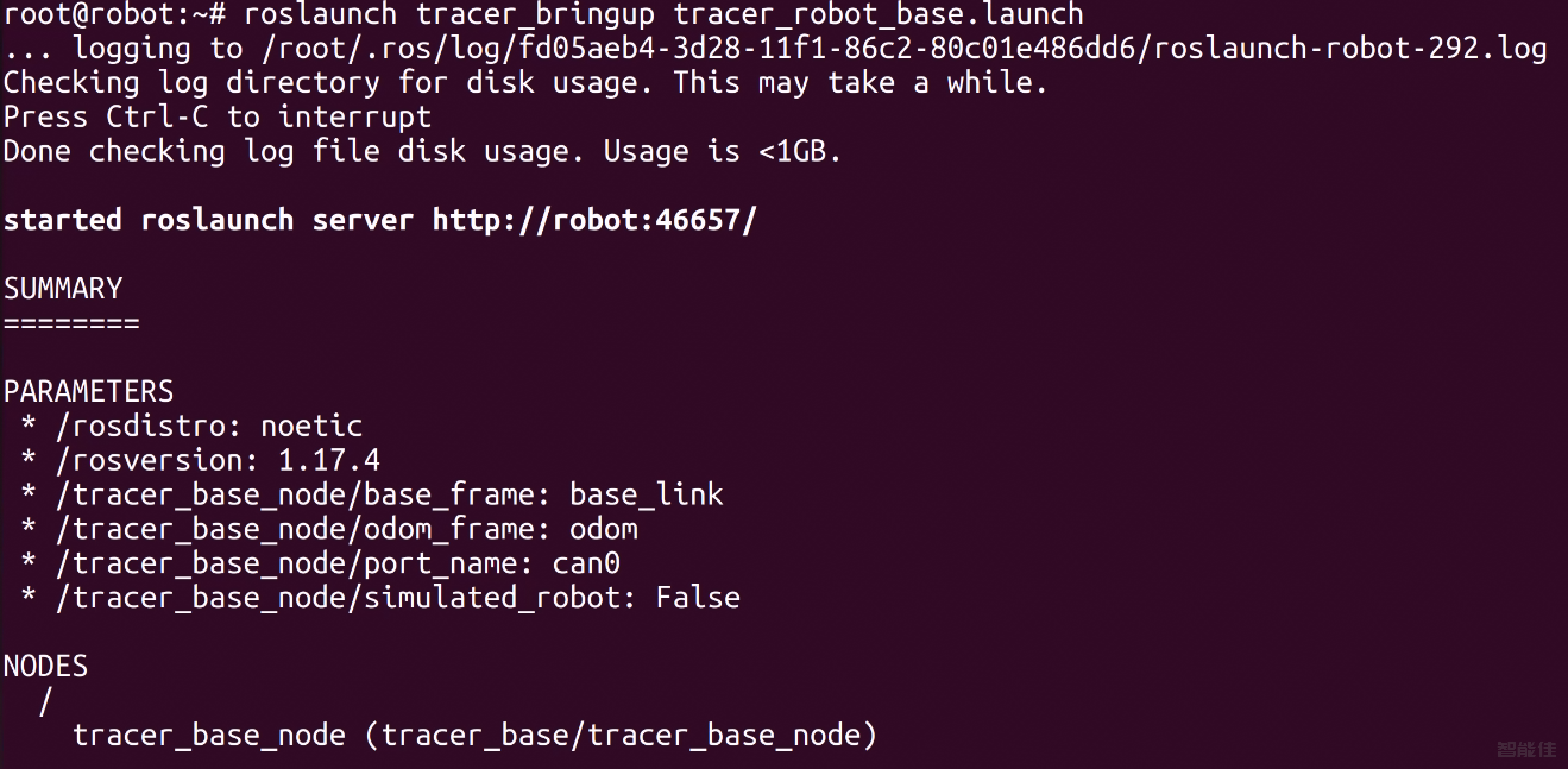
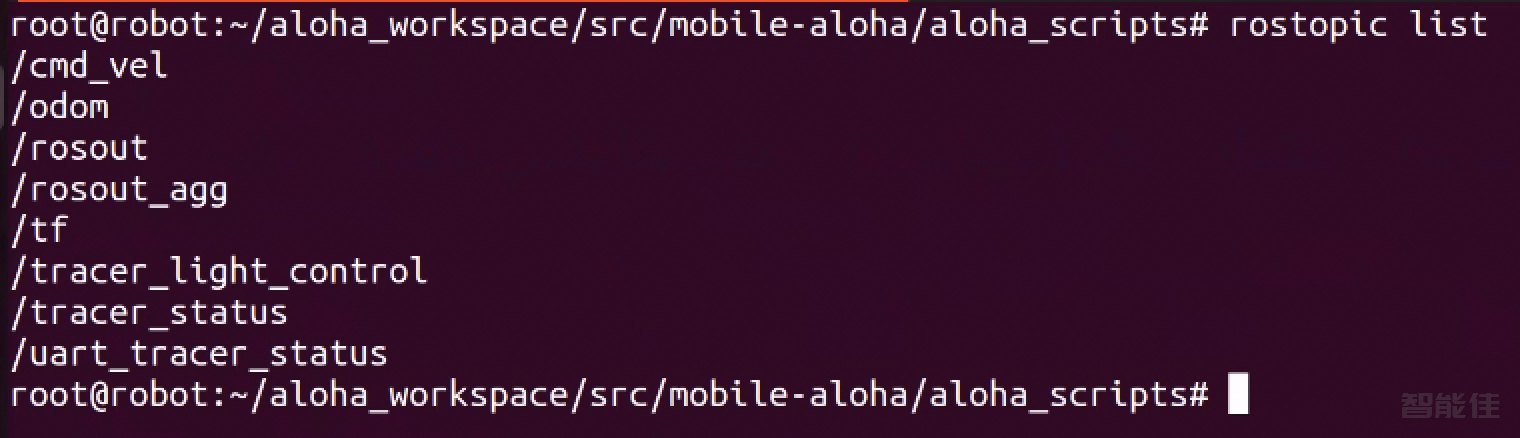
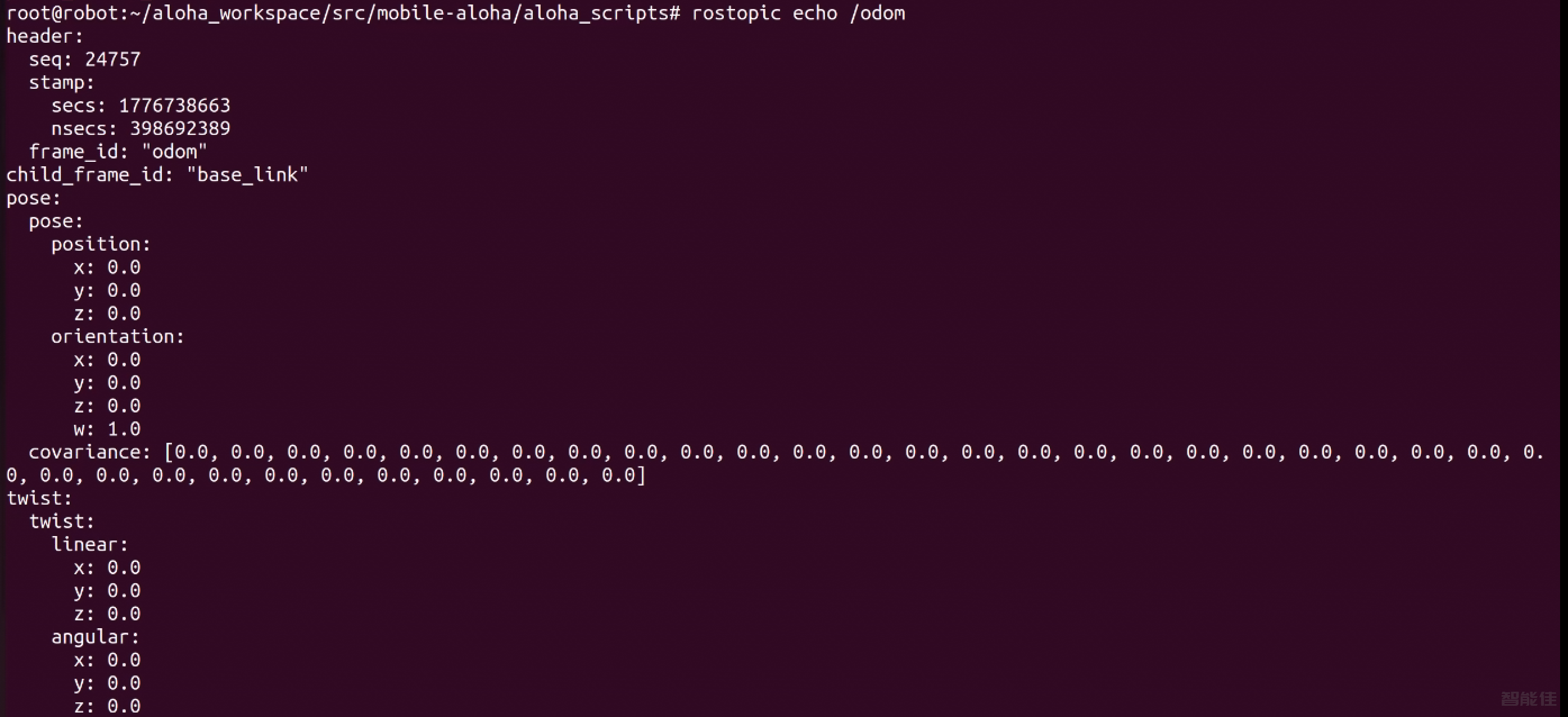
查看话题,看是里程计否启动成功:
rostopic list
rostopic echo /odom
注意:如果没有enable_can.sh,可以新建一个enable_can.sh
cd /home/robot/interbotix_ws/src/mobile-aloha/aloha_scripts
vim enable_can.sh
enable_can.sh内容如下:
sudo modprobe gs_usb
sudo ip link set can0 up type can bitrate 500000
sudo chmod 777 enable_can.sh
底盘测试
cms
./enable_can.sh
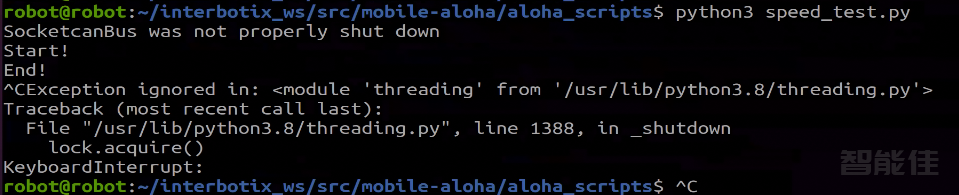
python3 speed_test.py

结束底盘控制,直接Ctrl+c
<< 上一篇