斯坦福Mobile Aloha使用教程-7.启动4个机械臂3个相机
启动roscore
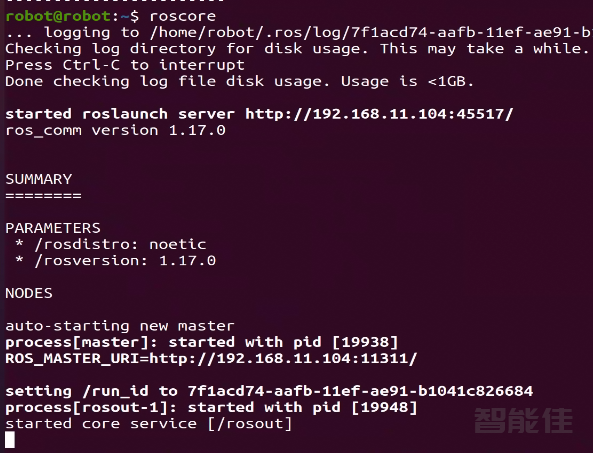
打开终端,开启roscore
roscore
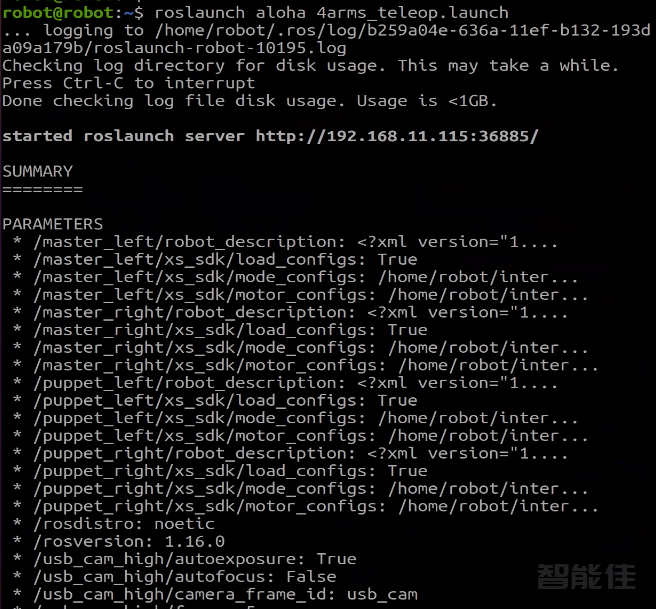
启动4个手臂
roslaunch aloha 4arms_teleop.launch
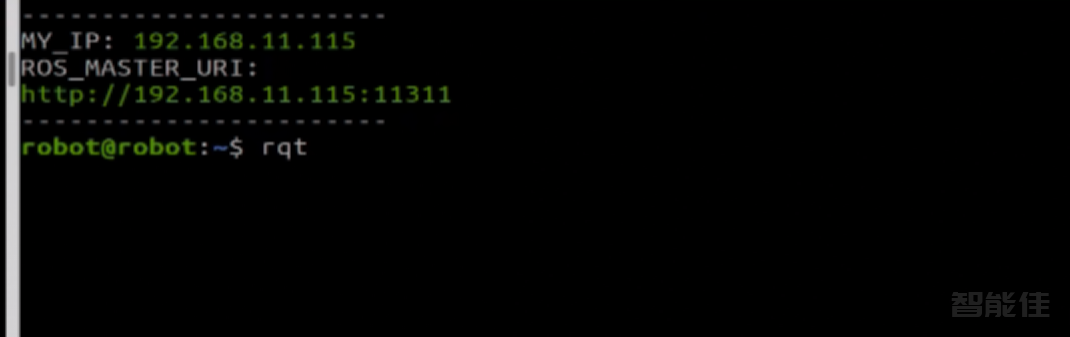
再次开启一个终端,输入rqt
rqt
选择Plugins--->Visualization ---->Image View
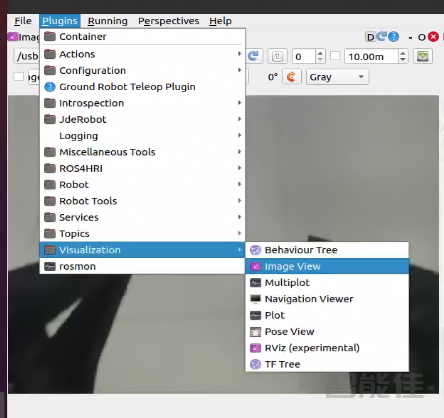
再次选择,重复2次
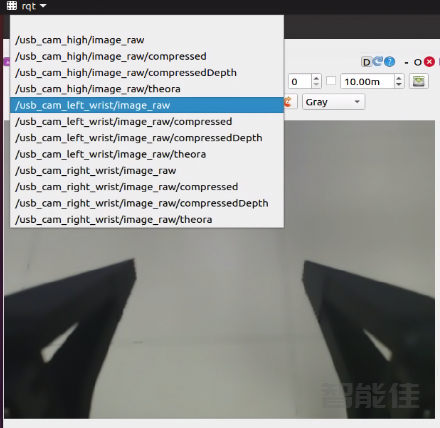
然后勾选相应相机话题
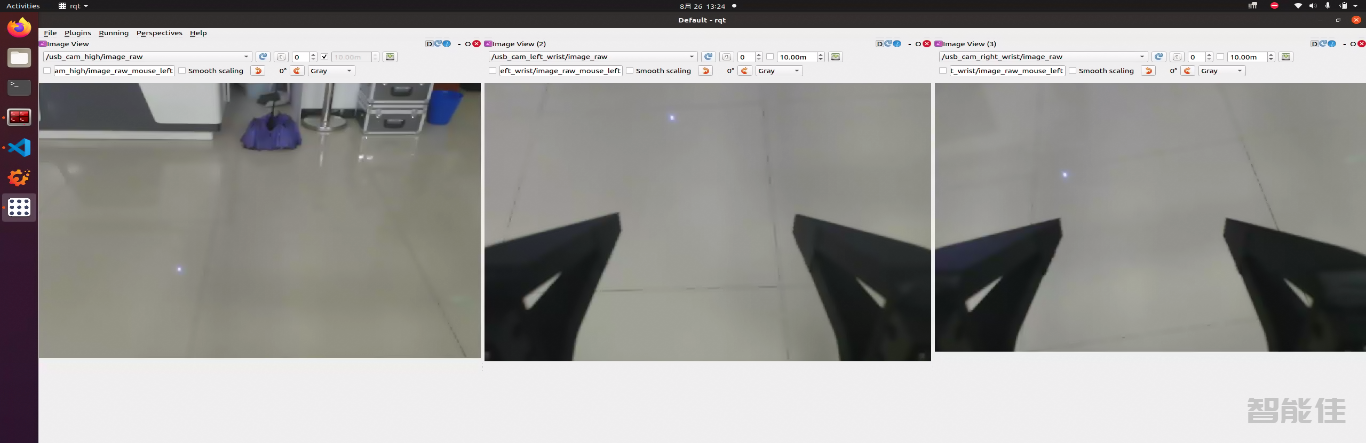
最终如图:
下一篇 >>
打开终端,开启roscore
roscore
roslaunch aloha 4arms_teleop.launch
再次开启一个终端,输入rqt
rqt
选择Plugins--->Visualization ---->Image View
再次选择,重复2次
然后勾选相应相机话题
最终如图:
下一篇 >>